How to Access Your Assets
Once you have completed your purchase, follow these steps to download your files.
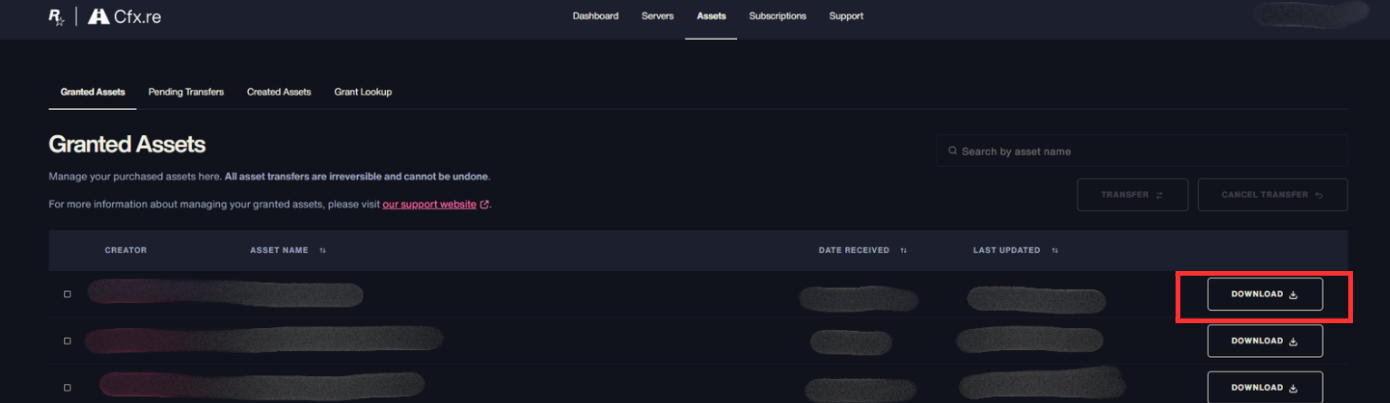
- Go to portal.cfx.re and navigate to Assets → Granted Assets.
- There you will find all the files you have access to.
- To download a file, click the Download button on the right side of the asset.
warning
The files are encrypted and locked to your account. You will not be able to share them with anyone — all asset transfers are irreversible and cannot be undone.
tip
If your asset is missing or not showing up, feel free to reach out in our Discord and our team will help you out.